
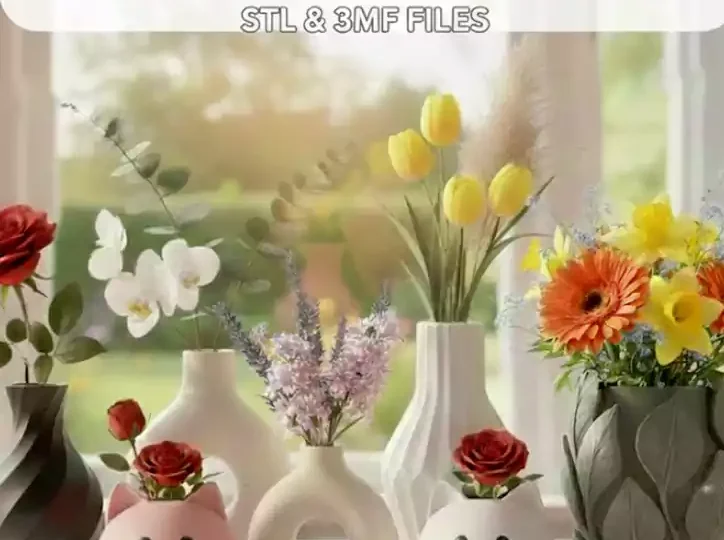
When you download a 3D model you will often see two options: STL and 3MF. Both can be printed, but they store very different information. This guide explains the difference in plain language so you can choose the right file for your printer and slicer.
What is an STL file?
STL (short for stereolithography) is the oldest and most widely supported 3D printing format. It describes only the outside surface of a model as a mesh of triangles. It has no colour, material, units or print settings, which keeps it simple: every slicer and printer can read it.
What is a 3MF file?
3MF (3D Manufacturing Format) is a newer format designed specifically for 3D printing. Along with the shape, it can store colours, multiple parts and their positions, materials, units and even slicer settings like supports, layer height and plate layout. Modern slicers such as PrusaSlicer, Bambu Studio, OrcaSlicer and Cura all open 3MF files.
STL vs 3MF at a glance
| Feature | STL | 3MF |
|---|---|---|
| Compatibility | Works with every slicer and printer | All modern slicers |
| Colour and multi-material | No | Yes |
| Saved print settings and plate layout | No | Yes |
| Units stored | No (can import at the wrong scale) | Yes |
| File size | Larger | Smaller (compressed) |
| Easy to edit the mesh | Yes | Yes, in most tools |
When to choose 3MF
- You have a multi-colour printer (for example a Bambu Lab AMS or Prusa MMU) and want colours already assigned.
- You want a model with supports and settings already tuned, ready to print.
- The model has several parts that need to sit in the right position on the plate.
When to choose STL
- You use older software or a printer that only accepts STL.
- You want to remix or edit the model in a CAD or sculpting tool.
- You simply want maximum compatibility and will set up the print yourself.
Can you convert STL to 3MF (and back)?
Yes. Open an STL in any modern slicer and save the project as 3MF. You can also export an STL from a 3MF, but you will lose the colour and settings information.
Frequently asked questions
Is 3MF better than STL?
3MF stores more information (colours, settings, units), so it is better for ready-to-print and multi-colour models. STL is still the most compatible choice.
Can Cura open 3MF files?
Yes. Cura, PrusaSlicer, Bambu Studio and OrcaSlicer can all open 3MF files.
Why does my STL import at the wrong size?
STL files do not store units. If a model looks tiny or huge, it was probably exported in inches or metres. Scale it by 25.4 (inches) or 1000 (metres).
Find your next print: browse statues and figurines, keychains, STL packs, or try a free STL file first.