
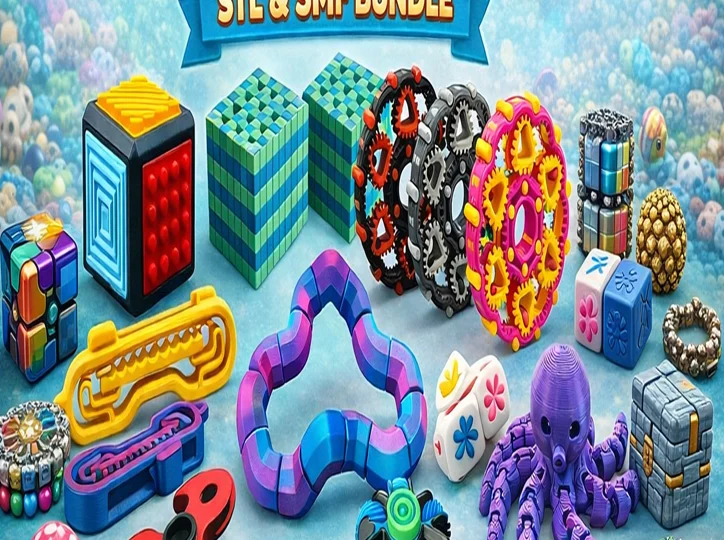
Flexi toys are one of the most satisfying things you can make with a 3D printer. They come off the build plate fully assembled, the joints move straight away, and they make great desk toys, gifts and even products to sell. In this beginner’s guide we explain what flexi models are, the best print settings, which filament to use, and how to fix the most common problems.
What is a flexi (print-in-place) model?
A flexi model is designed so that every moving part prints in one go, with tiny gaps (usually 0.3–0.5 mm) between each joint. When the print finishes you gently flex each segment to break it free, and the model moves like a toy with real hinges. There is no glue, no screws and no assembly, which is why flexi toys are perfect for beginners and for printing in batches.
Best flexi toys to print first
- Flexi Benchy: a fun twist on the classic test print and a great way to check your printer can handle print-in-place joints.
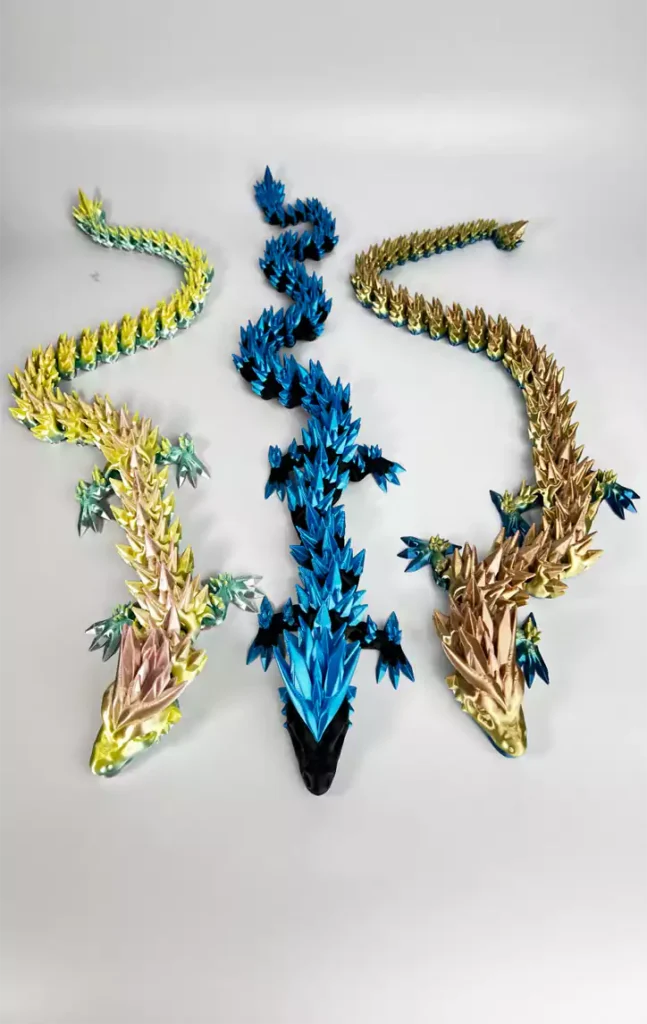
- Floppy Dragon: a crowd favourite that looks amazing in silk or rainbow PLA.
- Flexi Scorpion: lots of segments and a moving tail, great for showing off your printer.
- Articulated Crystal Dragon: a bigger, more detailed project once you are comfortable with the basics.
- Flexi Bracelets: quick prints that make easy gifts.
Best settings for printing flexi toys
- Layer height: 0.2 mm works for most models. Use 0.12–0.16 mm for small, detailed pieces.
- Supports: off. Well-designed flexi models print without supports, and supports can fuse the joints.
- First layer: the most important setting. Level your bed carefully and aim for an even, slightly squished first layer so the bottom joints stay separate.
- Elephant’s foot compensation: turn it on (0.1–0.2 mm) if the lowest joints stick together.
- Cooling: keep part cooling at 100% for PLA so the small gaps between joints stay open.
- Speed: normal speeds are fine, but slow the first layer down to 20–30 mm/s.
Which filament is best for flexi toys?
PLA is the easiest choice and gives crisp, free-moving joints. Silk and multicolour PLA look fantastic on dragons, sea creatures and fidget toys. PETG is tougher and better for toys that will be played with a lot, but it strings more, so tune your retraction first. Avoid very flexible filaments like TPU for print-in-place joints: they tend to fuse.
How to free stuck joints
Start at one end of the model and bend each segment slowly in both directions. If a joint is tight, roll it between your fingers rather than forcing it. A thin craft knife can clean up a little stringing between segments. If many joints are fused, recheck your bed levelling, first-layer height and elephant’s foot settings before printing again.
Can you sell 3D printed flexi toys?
Flexi toys are popular at markets and online, but always check the licence of each file first. Some designs are for personal use only, while others include a commercial licence. If a model’s product page mentions commercial use, it will say so clearly.
Frequently asked questions
Do flexi toys need supports?
No. Flexi and print-in-place models are designed to print without supports. Adding supports usually fuses the joints.
Why are my flexi joints stuck together?
The most common causes are a first layer that is too squished, elephant’s foot, or a nozzle that is too hot. Re-level your bed and enable elephant’s foot compensation.
What size should I print flexi toys?
Print them at 100% scale first. Scaling down too much makes the joint gaps smaller than your printer can handle.
Ready to print? Browse our full flexi toys collection or save money with our STL packs and bundles.